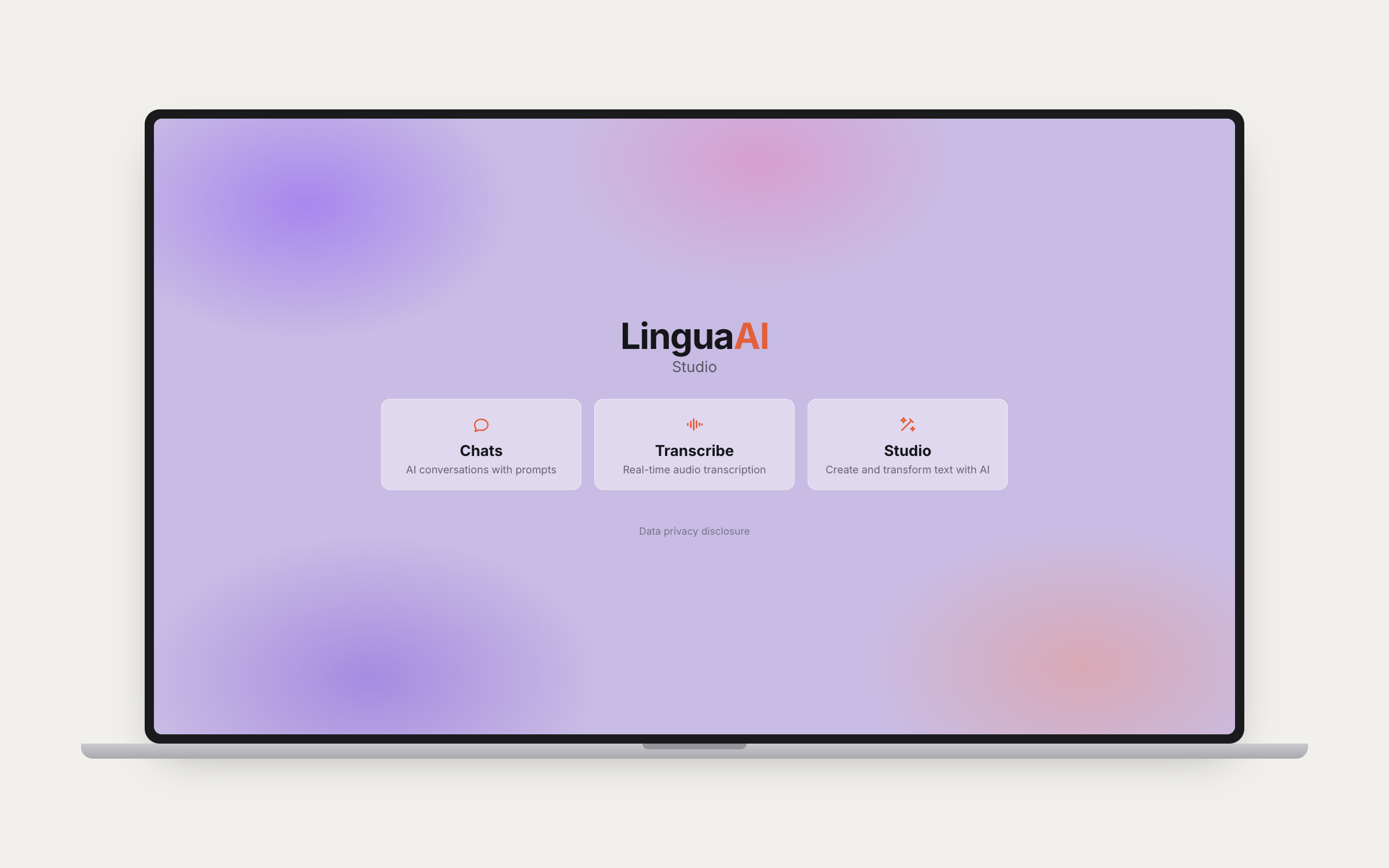
Three sections in one app. Chats for multi-model AI conversations with your synced prompt library. Transcribe for real-time audio transcription in 15+ languages. Studio for creating and transforming text with chained prompts. Available on iPhone, iPad, Mac (Catalyst), Apple Watch, and CarPlay.
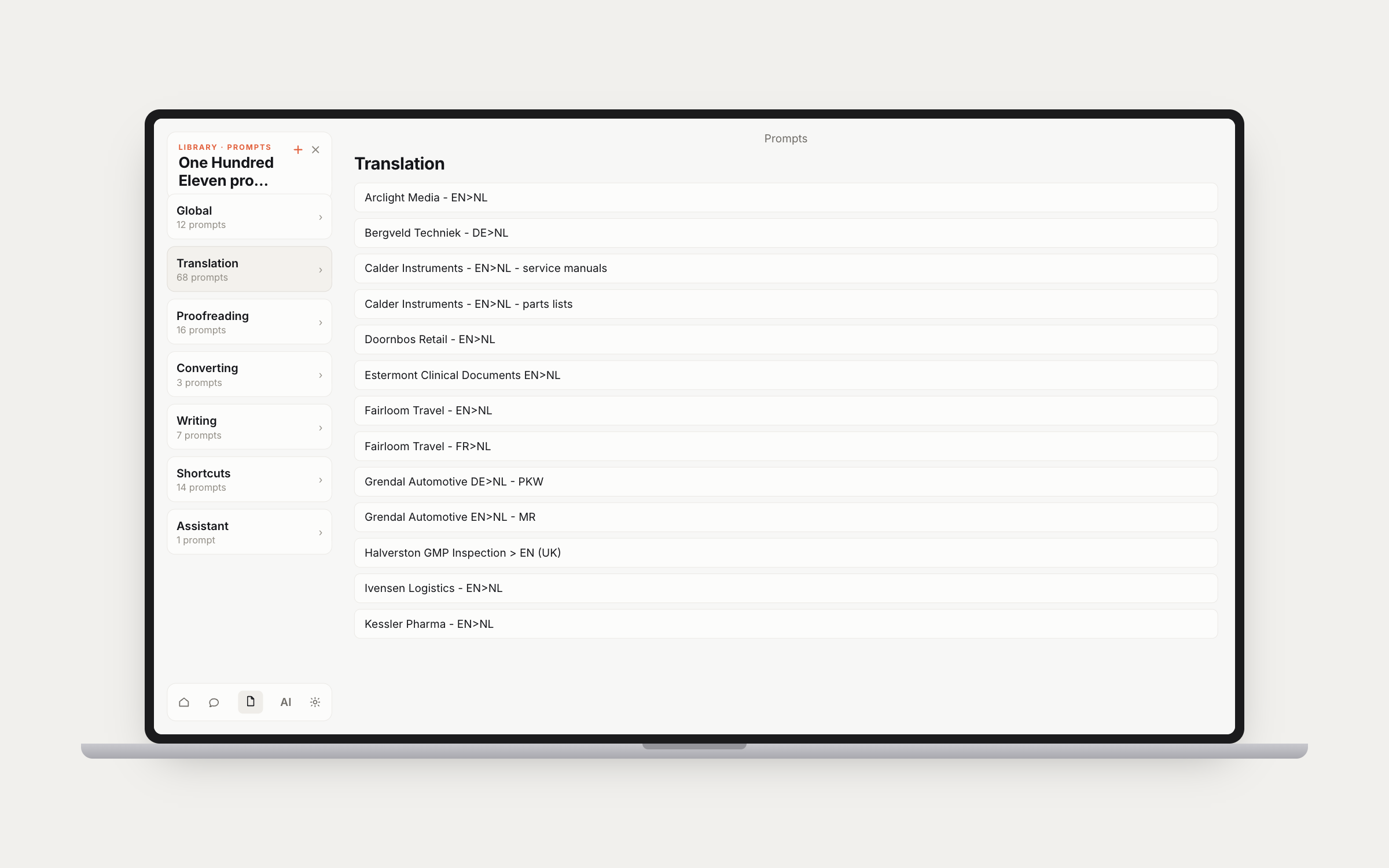
Conversations with Claude, GPT, Gemini, Mistral, Perplexity, and Ollama. Attach images, PDFs, and documents for analysis. Text-to-speech via ElevenLabs (11+ voices) or Apple native TTS, with auto-read mode for hands-free responses. Speech-to-text with live transcription and auto-listen mode. Stability AI image generation across 5 model tiers. Extended thinking, web search, prompt caching, and code block extraction.
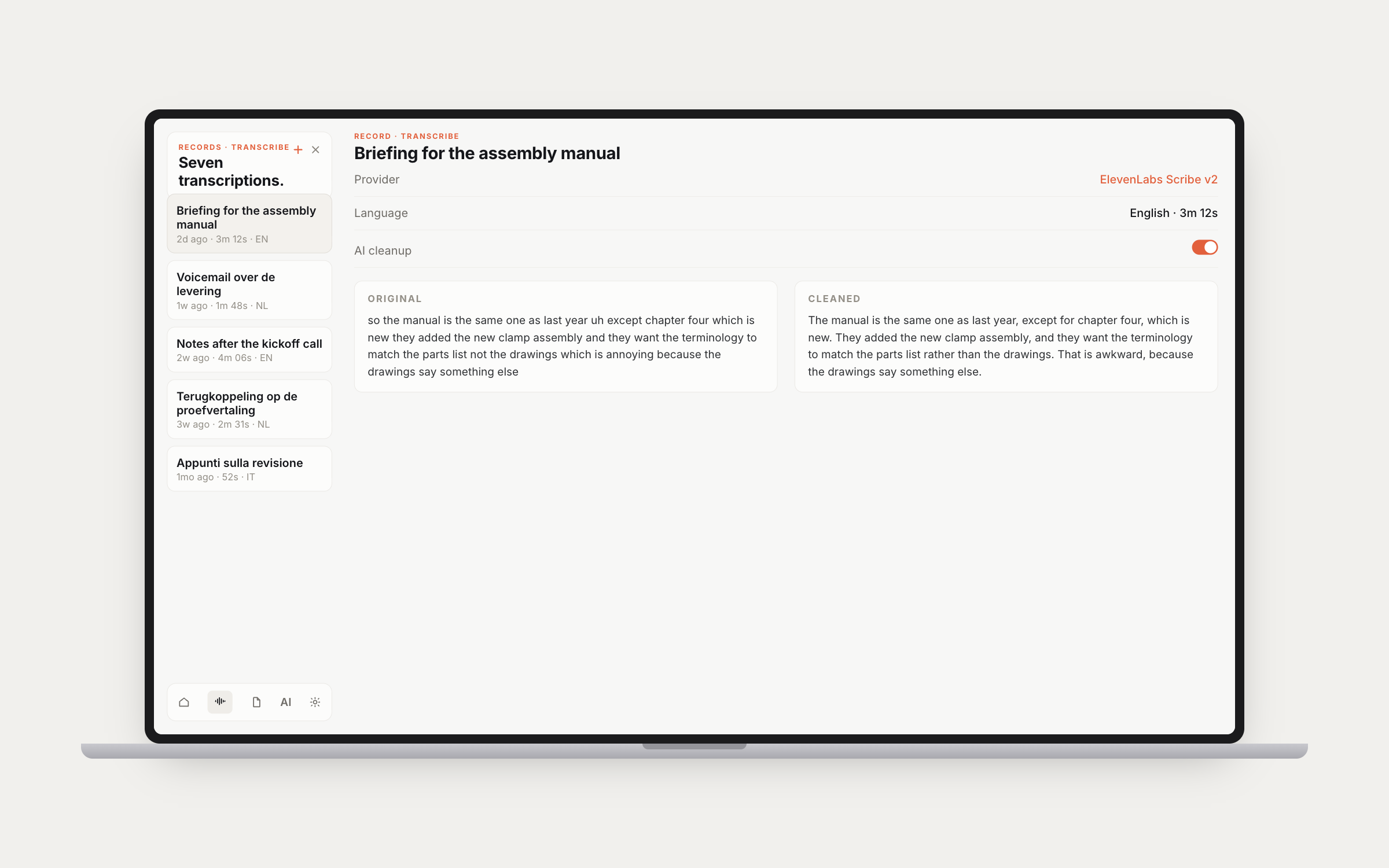
Real-time audio transcription via three providers: ElevenLabs Scribe v2, Deepgram, and Apple Speech Recognition. 15+ languages including EN, NL, DE, FR, ES, IT, PT, JA, ZH, KO, AR, RU, PL, TR, SV, and DA. AI cleanup via Claude or Mistral handles grammar, punctuation, and paragraph breaks with side-by-side comparison of original vs cleaned text. Full transcription history with save and export. Syncs to Apple Watch.
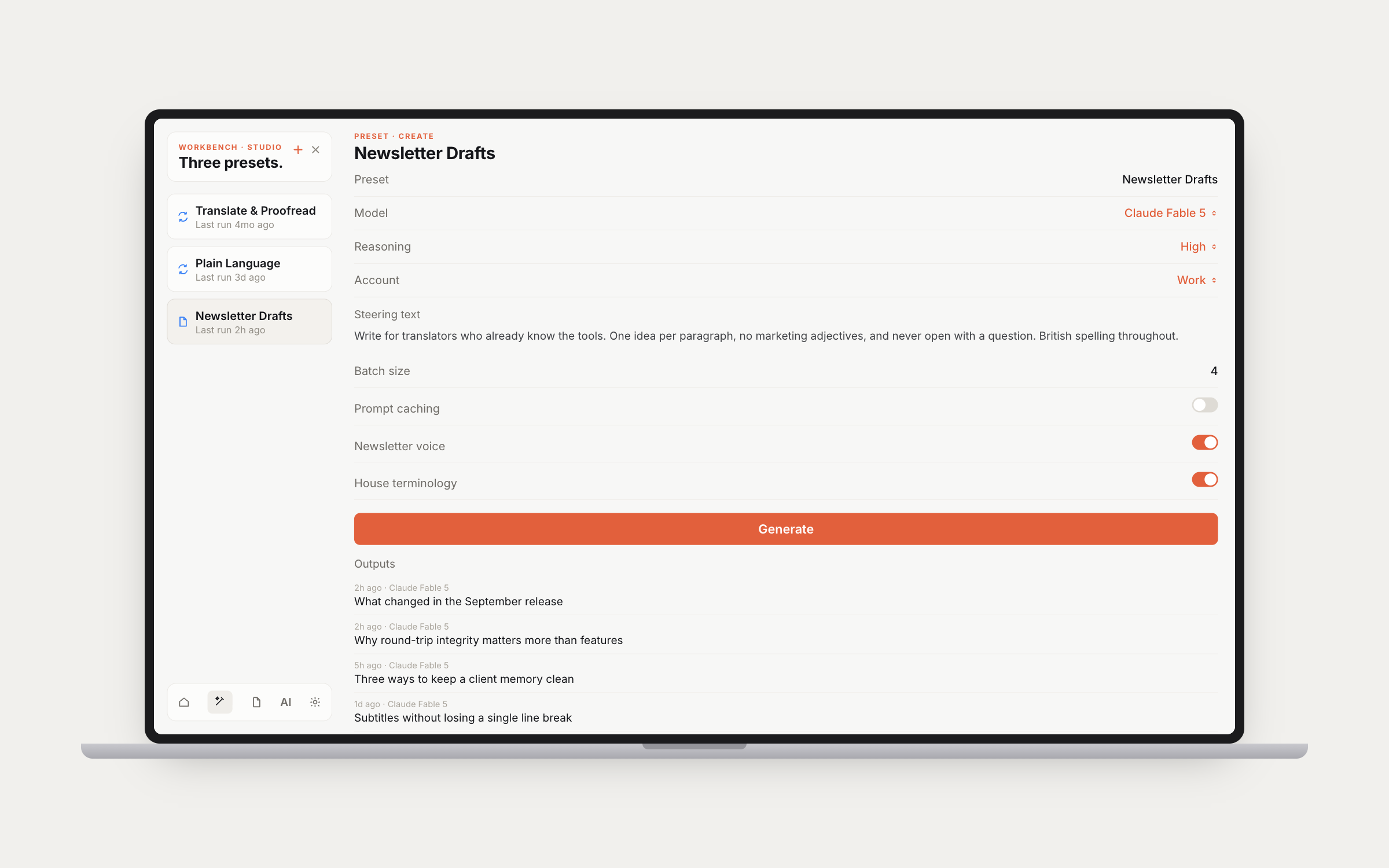
AI text creation and transformation with named presets. Each preset stores its own mode (Create or Transform), model, prompts, and temperature settings. Compose with multiple prompts that you can enable, disable, reorder, and weight. Batch generation with real-time progress tracking. Output management with favorites, bulk selection, and auto-export to a configured folder. Previous output context prevents repetition.

The chained prompt workflow in action. Pick a preset, paste your source text, select your model and account, then toggle on the prompts you want to run in sequence. The second prompt receives the output of the first. In this example: translate with project-specific context first, then proofread the translation with its own context. Hit Transform and get your result.

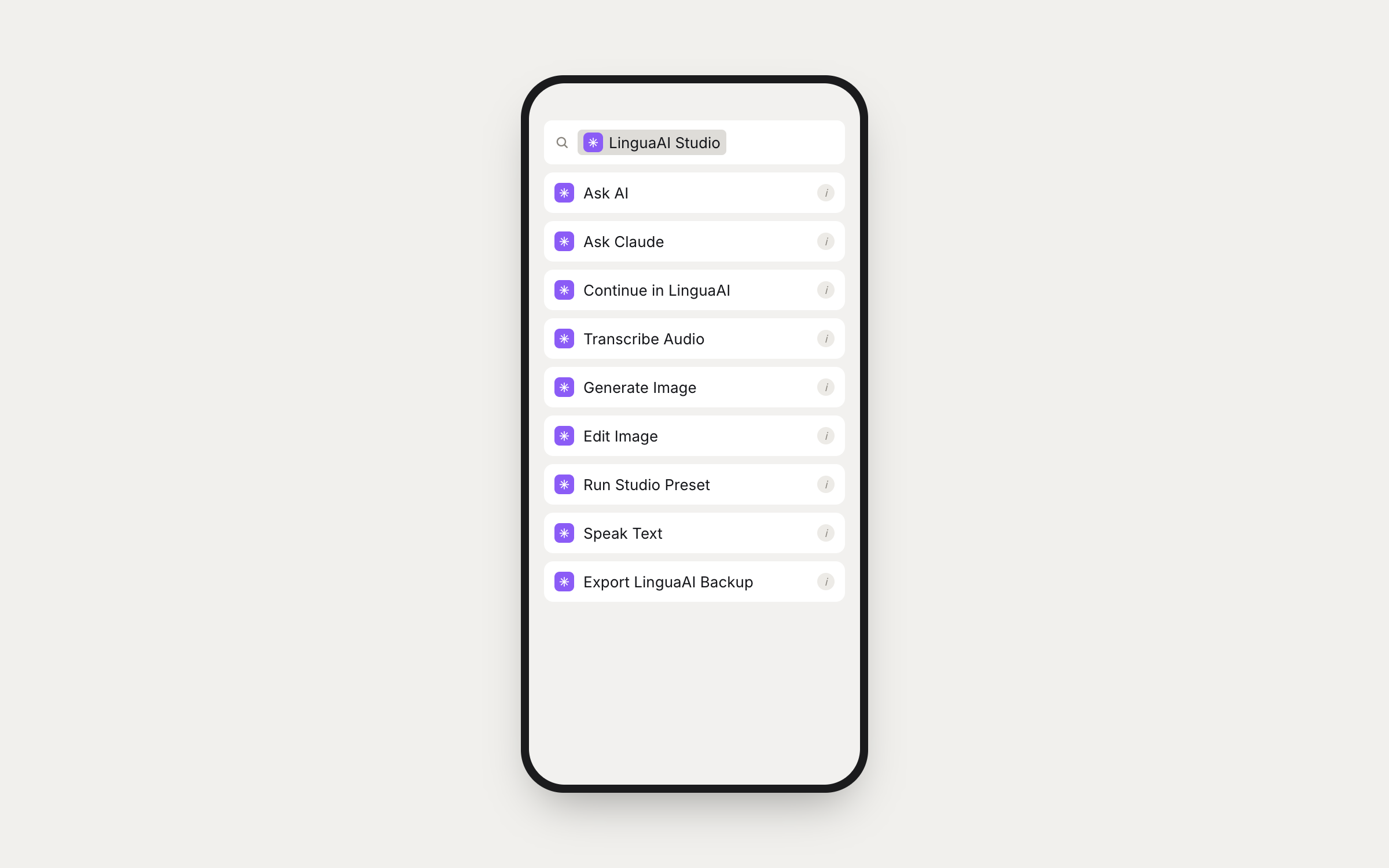
A full set of App Intents for Apple Shortcuts. Ask AI, Ask Claude, generate or edit images, export backups, manage API keys, set context, trigger TTS, and more. Build custom automations, trigger actions with Siri, or chain Studio into larger workflows. Home screen widgets for quick access.
Apple Watch and CarPlay too. Quick AI on your wrist, hands-free voice AI in the car. Conversations sync back to iPhone via iCloud.