For translators

LinguaAI Terminology.

AI-powered terminology extraction combined with a local-processing toolkit for translators. Extract glossaries, convert documents, and manage translation files, all from one app on your Mac.


Download on the Mac App Store
Terminology home screen
01

Eight tools, two modes.

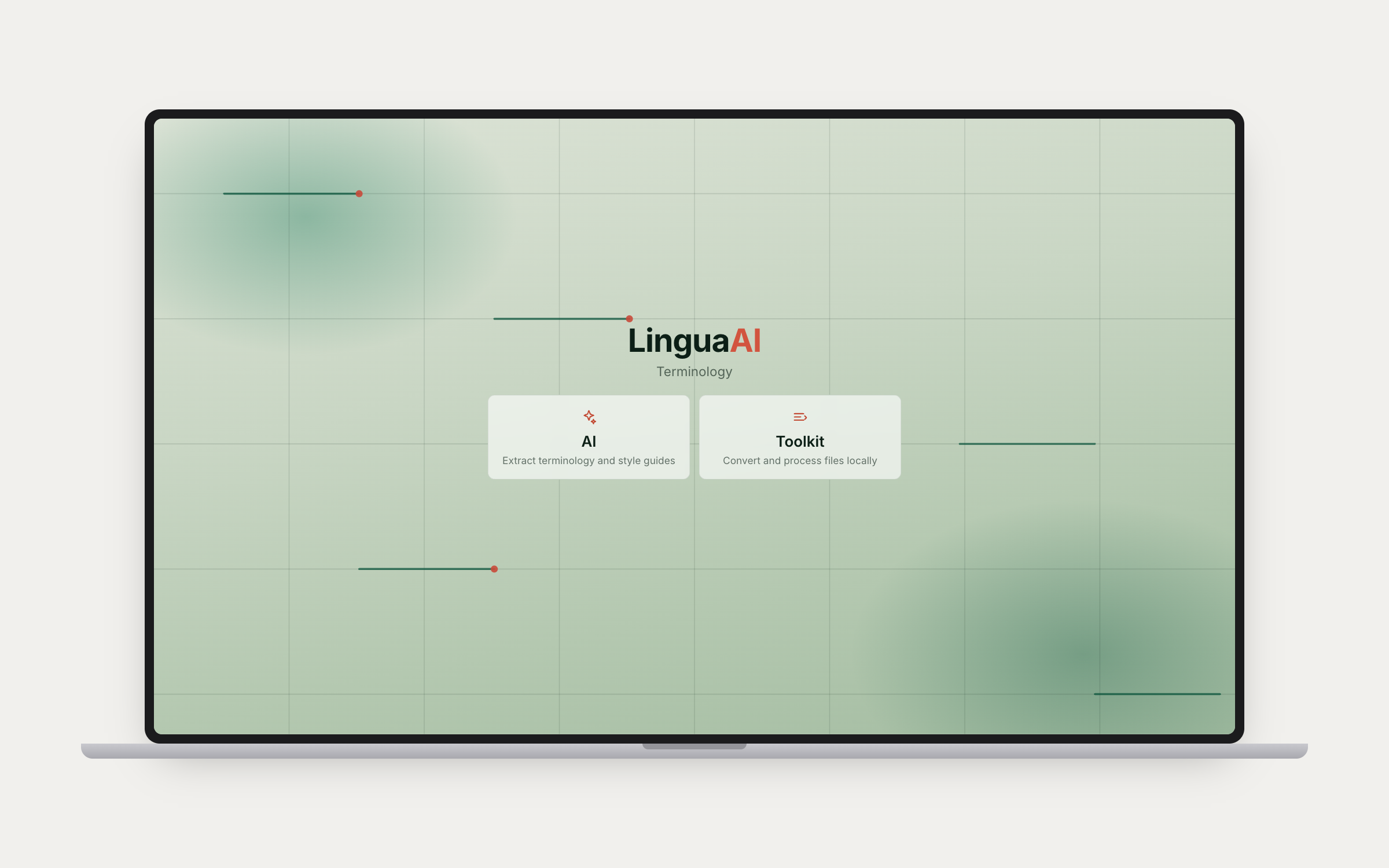
Three AI-powered tools and five local-processing tools, accessible from a unified home screen. The AI side handles terminology extraction, text analysis, and document OCR. The Toolkit side handles file format conversions entirely on your Mac with no API calls or internet needed. Supports Claude, GPT, Mistral, Gemini, Perplexity, Apple Intelligence, and Ollama for local models.

AI tools

TM glossary extraction
02

TM glossary extraction.

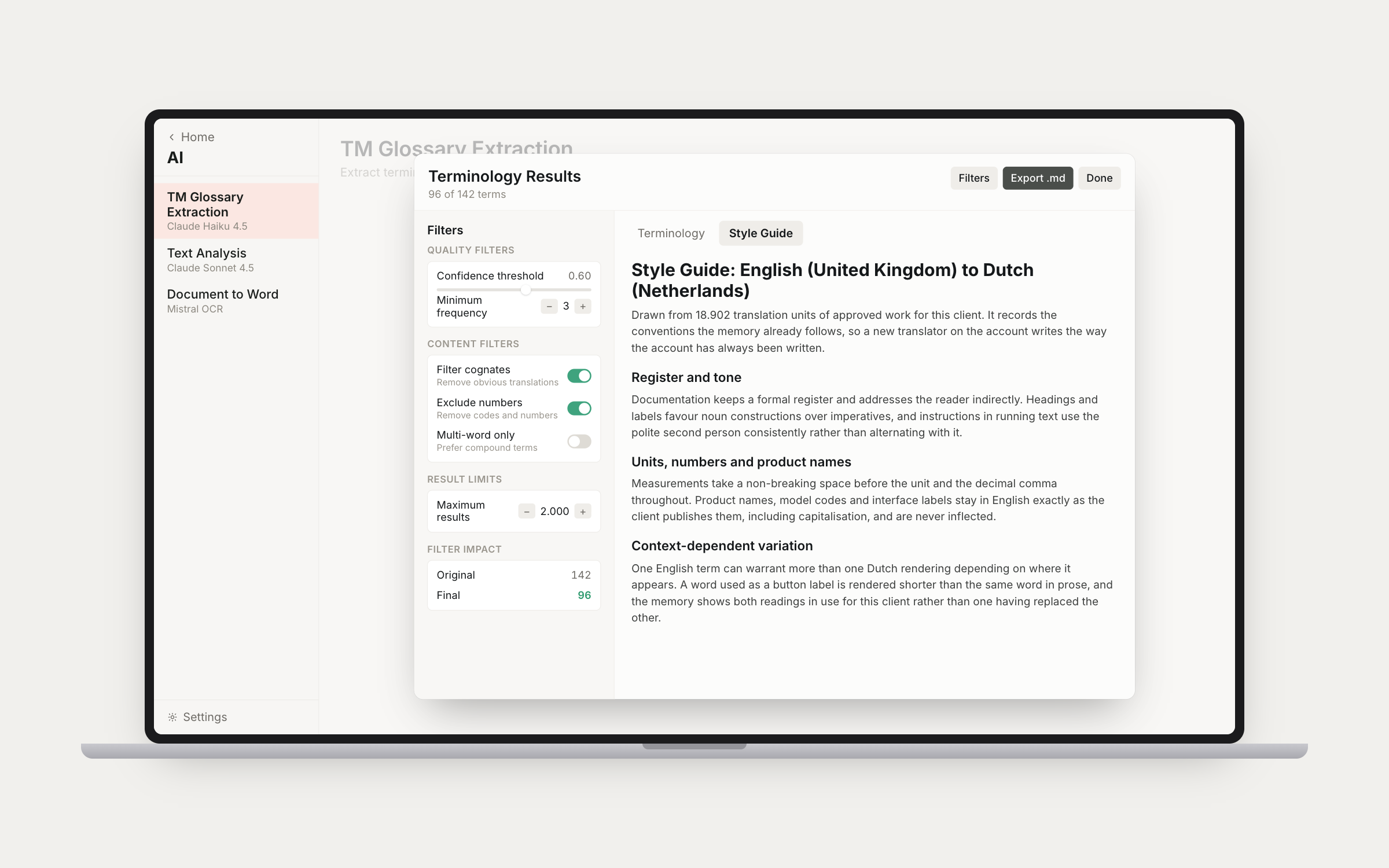
Extract terminology and style guides from translation memories (.tmx, .xml) using AI. Two modes: Glossary + Style Guide, or Style Guide Only. Outputs source/target term pairs with confidence scores, frequency counts, definitions, and domain classification. Configurable quality filters, cognate filtering, and batch size control. Search, sort, filter. Export to Excel.

Text analysis
03

Text analysis.

Create glossaries or style guides from source documents (.docx, .doc, .pdf, .txt, .xlsx, .csv, .tbx). Two modes: Create Glossary or Extract Style Guide. Multi-file input with an optional secondary document, and can incorporate an existing glossary to enhance results. Same interactive output view with search, sort, filter, individual term editing, and Excel export.

Document to Word conversion
04

Document to Word.

Convert PDFs and scanned images (.pdf, .png, .jpg, .tiff) to editable Word documents using Mistral OCR. Handles complex layouts, tables, and multi-column documents. Outputs .docx files ready for import into your CAT tool without reformatting.

Toolkit

TM to TMX
05

TM to TMX.

Convert Trados SDLTM translation memory files to standard TMX format for use in any CAT tool. Drop your .sdltm file in, hit convert, done. All processing happens locally on your Mac.

Termbase conversion
06

Termbase conversion.

Convert TBX and SDLTB termbases to Excel for easy editing and sharing. Auto-detects language pairs. Useful when you need to review, clean up, or distribute terminology outside of your CAT tool. Drag and drop, convert, done.

TMX merge
07

TMX merge.

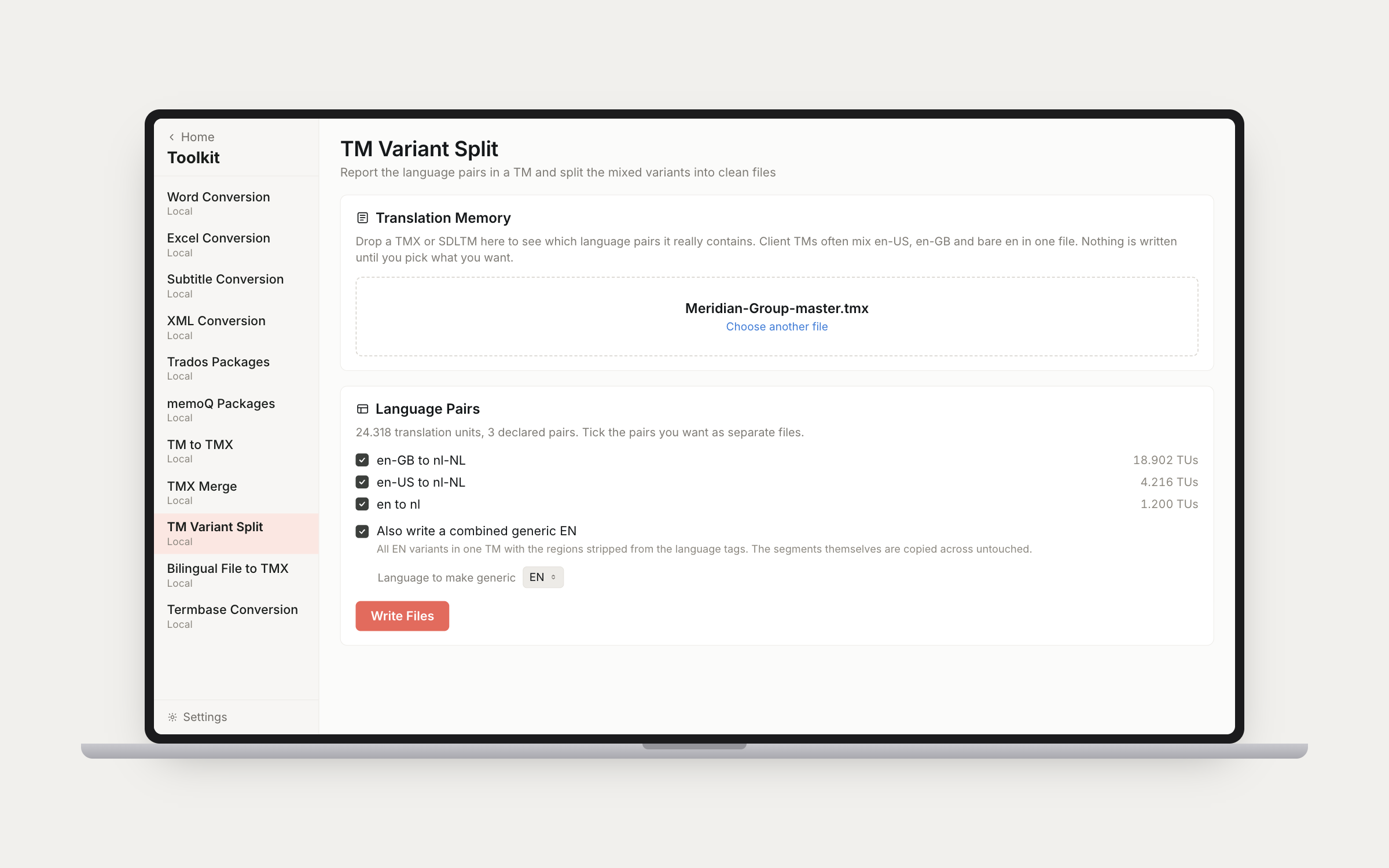
Merge multiple TMX files into a single consolidated translation memory. Drop in as many files as you need and combine them into one clean TMX. Shows TU counts per file and reports any skipped files. Perfect for consolidating TMs from different projects or agencies.

Trados packages
08

Trados packages.

Unpack and repack Trados project packages (.sdlppx) without needing Trados installed. Unpacking extracts SDLXLIFF files and converts embedded TMs to TMX. Repacking creates return packages (.sdlrpx) from your translated files. Essential for freelance translators working with agencies.

XML conversion
09

XML conversion.

Convert XML translation files (.xml) to XLIFF for translation in your CAT tool, then merge the completed XLIFF back into the original XML format. Two steps: "Prepare for Translation" extracts translatable content into XLIFF or WordFast format, "Create Translated XML" merges the translations back into the original structure.

All AI processing uses your own API keys. Files are processed locally where possible, and API keys are stored securely in your Mac's Keychain. No data collection, no intermediary servers.

← Back to Home